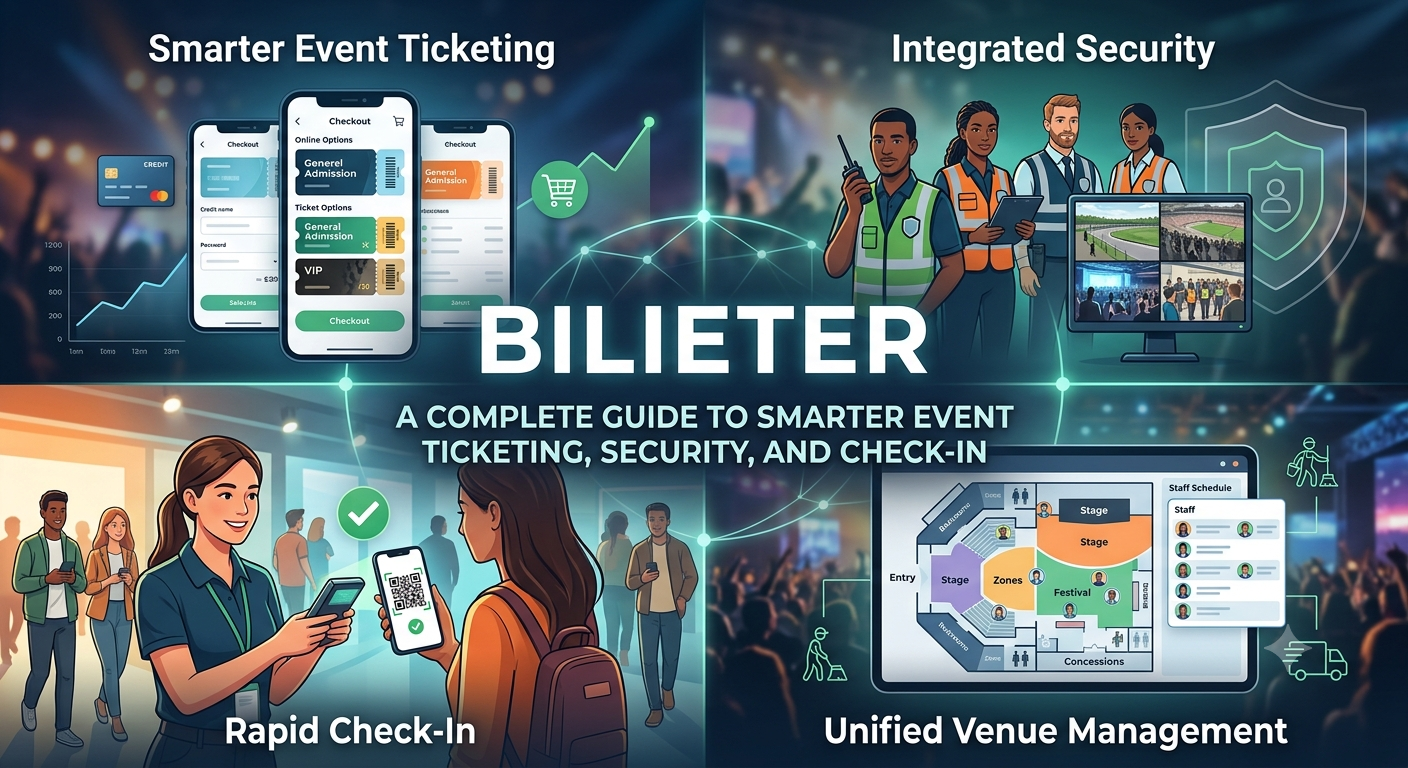
Bilieter: A Complete Guide to Smarter Event Ticketing, Security, and Check-In
Planning an event today means juggling more moving parts than ever — ticket sales, guest verification, security protocols, and on-the-ground logistics all have to work together seamlessly. Bilieter exists to make that process easier. As an informational resource and digital guide built specifically for event planners, Bilieter breaks down the practical side of running a modern event: how to sell tickets online, how to keep your venue secure, how to use QR-code check-ins effectively, and how to manage a venue from setup to teardown.
This guide walks through each of those areas in detail, giving you a practical framework you can apply whether you’re organizing a 50-person workshop or a multi-day festival.
Why Modern Event Planning Needs a Digital-First Approach
Event planning used to mean spreadsheets, paper ticket stubs, and a clipboard at the door. That approach doesn’t scale, and it doesn’t hold up against today’s expectations. Attendees want instant confirmations, mobile tickets, and a check-in process that takes seconds, not minutes. Organizers want real-time visibility into sales, attendance, and security — without having to reconcile numbers by hand after the event is over.
A digital-first approach solves both problems at once. It gives guests a smoother experience and gives organizers the data and control they need to run things safely and efficiently. That’s the gap Bilieter’s guidance is designed to fill: practical, vendor-neutral advice on how to build that kind of system, regardless of which specific tools you end up using.
Online Ticket Sales: Building a Process That Scales
Ticket sales are usually the first thing a planner has to figure out, and getting it right early prevents headaches later.
Choose a sales model that fits your event. Fixed pricing works well for predictable, community-style events. Tiered pricing (early bird, general admission, VIP) is useful when you want to reward early commitment and create urgency. Dynamic or demand-based pricing suits larger events with fluctuating interest, but it requires more active monitoring to avoid pricing out your core audience.
Keep checkout friction low. Every extra field or confirmation step in a purchase flow is a chance for a buyer to abandon the transaction. A clean, mobile-optimized checkout with saved payment options and clear pricing (including fees, shown upfront) consistently converts better than a bloated one.
Plan for capacity and waitlists from day one. Selling out is a good problem, but only if you’ve built a waitlist system to capture demand you couldn’t fill. It also gives you a ready list of buyers if tickets get released back into inventory through cancellations.
Reconcile sales data continuously, not just at the end. Real-time dashboards showing tickets sold, revenue, and remaining capacity let you make faster decisions — whether that’s releasing more inventory, closing sales early, or adjusting staffing based on expected turnout.
Have a clear refund and transfer policy before you go on sale. Ambiguity here creates support headaches and erodes trust. Decide in advance whether tickets are refundable, transferable, or resellable, and state that policy plainly at the point of purchase.
Event Security: Planning Beyond the Front Gate
Security is often treated as an afterthought, bolted on close to the event date. It works far better as a core part of planning from the start.
Start with a risk assessment specific to your event. A 200-person conference and a 5,000-person outdoor concert have very different risk profiles — crowd density, alcohol service, weather exposure, and venue layout all change what you need to plan for. Identify your specific risks before deciding on staffing and equipment.
Layer your security rather than relying on a single checkpoint. Effective events typically have multiple layers: perimeter control, ticket/ID verification at entry, bag checks where appropriate, and roaming staff inside the venue. No single layer needs to catch everything if the layers work together.
Train staff on de-escalation, not just detection. Most security incidents at events are resolved through calm, early intervention rather than confrontation. Staff who are trained to recognize early warning signs and defuse situations reduce both risk and the chance of an incident escalating publicly.
Build a communication plan for your team. A shared channel (radio, app-based messaging, or even a simple group chat for smaller events) lets security, venue staff, and organizers respond to issues in real time rather than discovering them after the fact.
Have an emergency plan attendees never have to see. Evacuation routes, medical response protocols, and a clear chain of command for decision-making should be documented and rehearsed before doors open — even if, ideally, none of it gets used.
QR-Code Check-Ins: Speed Without Sacrificing Accuracy
QR codes have become the standard for event entry because they solve a real problem: verifying a large number of guests quickly without long lines.
Generate unique codes per ticket, not per order. If a single QR code covers a group purchase, you lose the ability to verify each attendee individually and open the door to duplicate use. Unique, single-use codes tied to each ticket prevent that.
Test your scanning setup under real conditions before the event. Lighting, network connectivity, and phone screen glare all affect how reliably a QR code scans. A code that scans perfectly on a desk under office lighting may fail outdoors at dusk — test in the actual environment you’ll be using.
Have an offline fallback. Venues with weak connectivity are common, especially in basements, large stadiums, or rural locations. A check-in system that can validate tickets locally and sync later prevents your entire entry process from stalling if the network drops.
Use check-in data as a planning tool, not just a gate log. Real-time check-in numbers tell you how quickly your venue is filling, when to expect peak entry congestion, and whether you need to open additional lanes — information that’s far more useful in the moment than after the event.
Design for accessibility. Not every guest will have a smartphone with a working screen, or the dexterity to pull up a code quickly. Keep a manual verification path (printed ticket, ID lookup, or a simple guest list) available at every entry point.
Venue Management: Coordinating the Physical Space
Ticketing and security both depend on how well the venue itself is managed.
Map your venue before you finalize logistics. A floor plan that accounts for entry points, emergency exits, restrooms, concessions, and crowd flow patterns helps you spot bottlenecks before guests do.
Match staffing to zones, not just headcount. Rather than assigning a flat number of staff per hundred attendees, think in terms of zones — entry, main floor, food and beverage, restrooms, exits — and staff each based on expected traffic and risk, not a single average.
Coordinate vendors and contractors early. Catering, AV, security, and cleaning crews often operate on different timelines. A shared setup and breakdown schedule, communicated well in advance, prevents the common problem of one vendor’s delay cascading into everyone else’s.
Build in buffer time. Setup almost always takes longer than planned, and teardown is rushed more often than it should be. Padding your schedule on both ends reduces the chance that late setup pushes into guest arrival, or that a hurried teardown causes damage or missed items.
Debrief after the event while details are fresh. What worked, what didn’t, where lines formed, where staff felt understaffed — capturing this immediately after the event (not weeks later) makes your next event meaningfully easier to plan.
Bringing It All Together
None of these four areas — ticketing, security, check-in, and venue management — work well in isolation. Ticket sales data informs your staffing needs. Your security plan shapes how you design check-in flow. Venue layout determines where security checkpoints and entry lanes can realistically go. Treating them as one connected system, rather than four separate checklists, is what separates events that run smoothly from ones that don’t.
Bilieter’s role is to give event planners a clear, practical starting point for thinking through all four — not to sell tickets or manage events directly, but to make sure organizers are equipped with the right questions and best practices before they choose the tools and vendors that fit their specific event.
Frequently Asked Questions
Is Bilieter a ticketing platform?
No. Bilieter is an informational guide for event planners. It doesn’t sell or issue tickets — it provides advice and best practices that planners can apply using whatever ticketing system they choose.
What size of event is this guidance useful for?
The principles apply at any scale. Smaller events can apply a lighter version of the same framework (a single check-in lane instead of multiple zones, for example), while larger events need the fuller layered approach.
Do I need QR-code check-in for a small event?
It’s optional but still useful. Even at small events, QR codes reduce manual list-checking errors and speed up entry, and the same system can scale with you as your events grow.
How far in advance should event security planning start?
Ideally, at the same time as venue selection — since venue layout directly affects what security measures are practical. For most events, that means weeks to months before the event date, not days.




Post Comment